

This section outlines how to configure Alchemer to use its v5 REST API.
-
In a browser, browse to https://www.alchemer.com/ to create & login to your Alchemer account.
If an account has already been provisioned, skip to step 6 to create the API Key and API Secret.
-
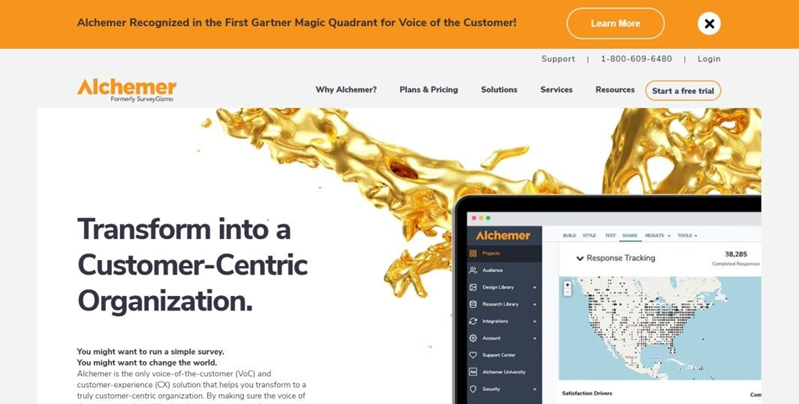
Click “Start a free trial”.
-
Choose PROFESSIONAL and click START FREE TRIAL.

-
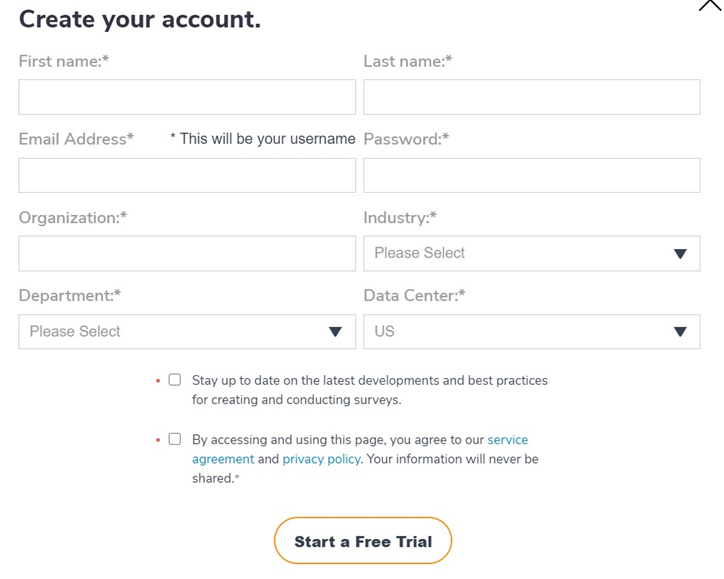
Complete the required fields and click START A FREE TRIAL.
-
Check your email to verify your account.
-
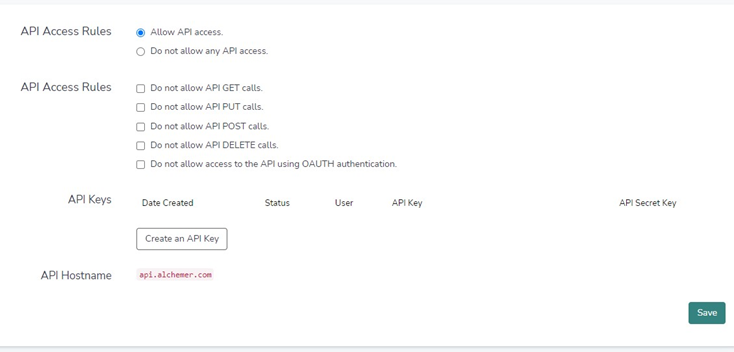
Once the App has been created, copy the API key and API secret key and store. To get these, follow the steps below:
-
Click SECURITY.
-
Click API ACCESS.
-
Click Create an API Key and Select a User.
-
Click Save.
-