

The following features are common to the header at selection rules, analysis panels and Realtime decisions when displayed in expanded mode in the Rule Designer:
-
Name: read-only
-
Validation issues: as expanded mode
-
Pop out: as expanded mode
-
Expand and Configure: clicking this button displays the file in an expanded state.
-
Actions:
-
Size: allowing you to choose how the collapsed file will be displayed in the Rule Designer (when not in side-by-side view).
-
Normal:
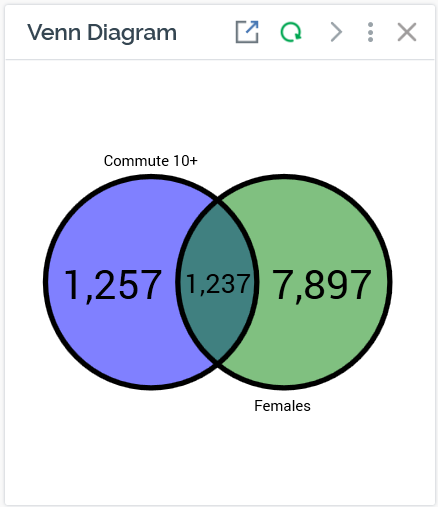
Wide:
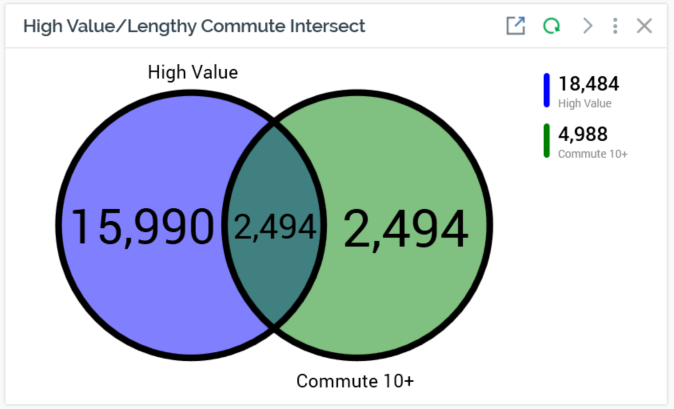
Fit to Width:
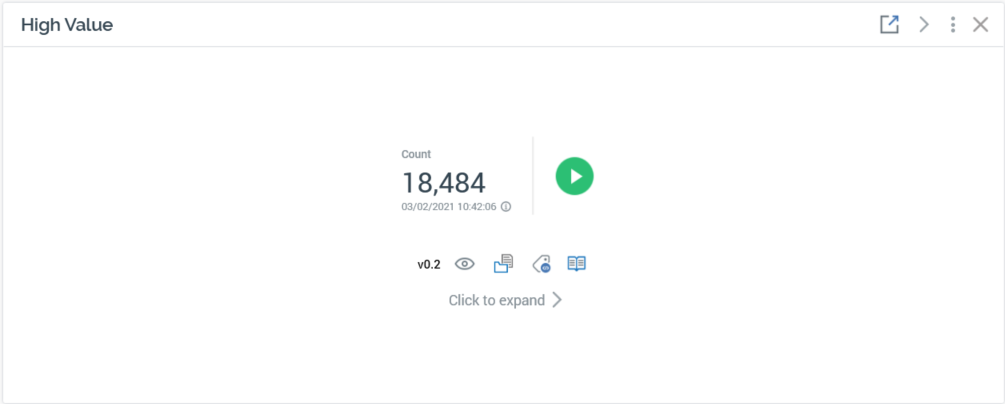
-
Copy Image to Clipboard
-
Close: as expanded mode