

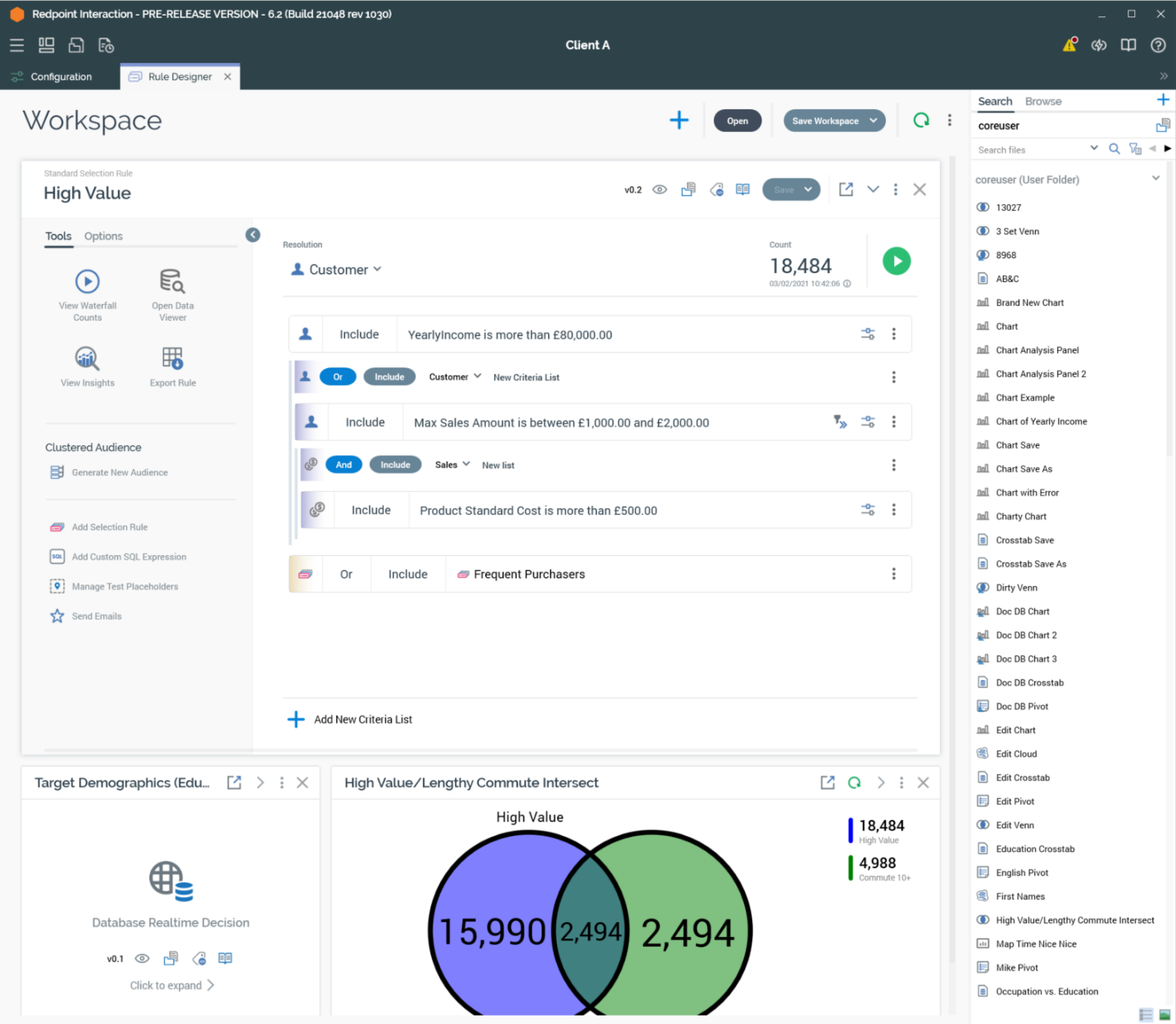
The Rule Designer is used to manage a number of types of RPI file.
-
Selection rules: three types of selection rule are supported:
-
Standard selection rules: the most feature-rich selection rule, used to target records in a SQL database. Available when running against a SQL data warehouse, or when at least one SQL auxiliary database is configured at the current RPI client.
-
Basic Selection Rules: easier to use that Standard Selection Rules but offering less functionality. Also used to target records in a SQL database. Available when Available when running against a SQL data warehouse, or when at least one SQL auxiliary database is configured at the current RPI client, and when at least one SQL database definition exists.
-
NoSQL Selection Rules: using a similar user interface to Basic Selection Rules, NoSQL Selection Rules are used to target records in a NoSQL database. Available when Available when running against a NoSQL data warehouse, or when at least one NoSQL auxiliary database is configured at the current RPI client.
-
-
Analysis Panels: provide alternative tools to facilitate the building of selection rules. The following types of analysis panel are supported:
-
Chart
-
Crosstab
-
Pivot table
-
Venn diagram
-
Word Cloud
-
-
Realtime Decisions: rules that facilitate determination of online content to be shown to a site visitor.
-
Decision Scorecards: allow you to assign a weight value to a site visitor’s fulfilling the criteria defined within a Realtime decision. Further content personalization can then be carried out by leveraging scorecards in subsequent realtime decisions
In this section:
-
Getting started with the Rule Designer -
Expanded Rule/Panel - Common Features -
Collapsed Rule/Panel - Common Features -
Side-by-Side View and Compact Font -
Selection Rule Export -
Data Viewer -
Waterfall Counts Window -
Selection Rule Insights -
Placeholder Attributes -
Generated SQL Dialog -
Selection Rule Review Window -
Pop Out/Snap Back