

Overview
The following sections describe RPI Realtime’s components.
RPI Realtime API
The RPI Realtime API is an interface that provides functionality such as:
-
The management of visitor profiles
-
The ability to make content applicability decisions
-
The processing of RPI web forms
-
The handling of communication with the RPI application server
RPI’s Realtime capabilities are exposed via a website, which provides an API, and, optionally, its associated documentation.
You can access the site by navigating to the RPI Realtime website, either directly within a browser, or using the Browse command in Internet Information Services (IIS).
When you do so, the following web page is displayed:
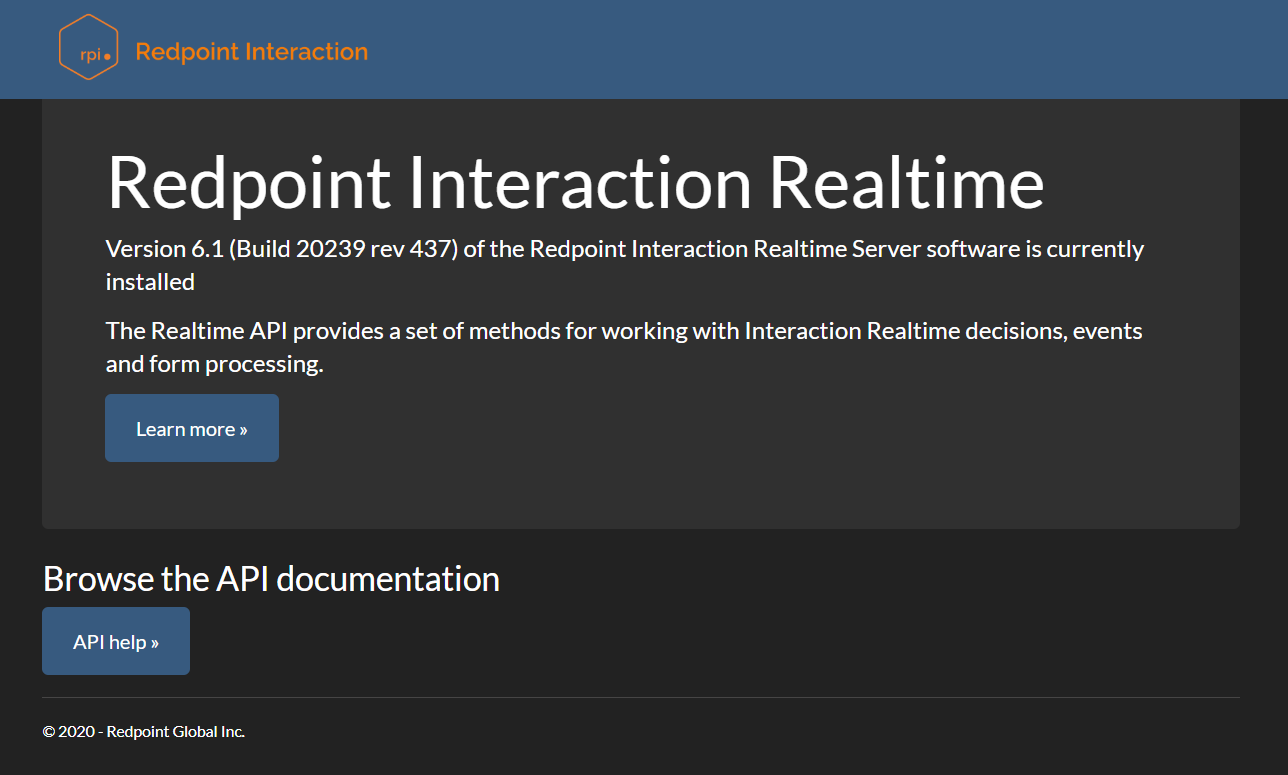
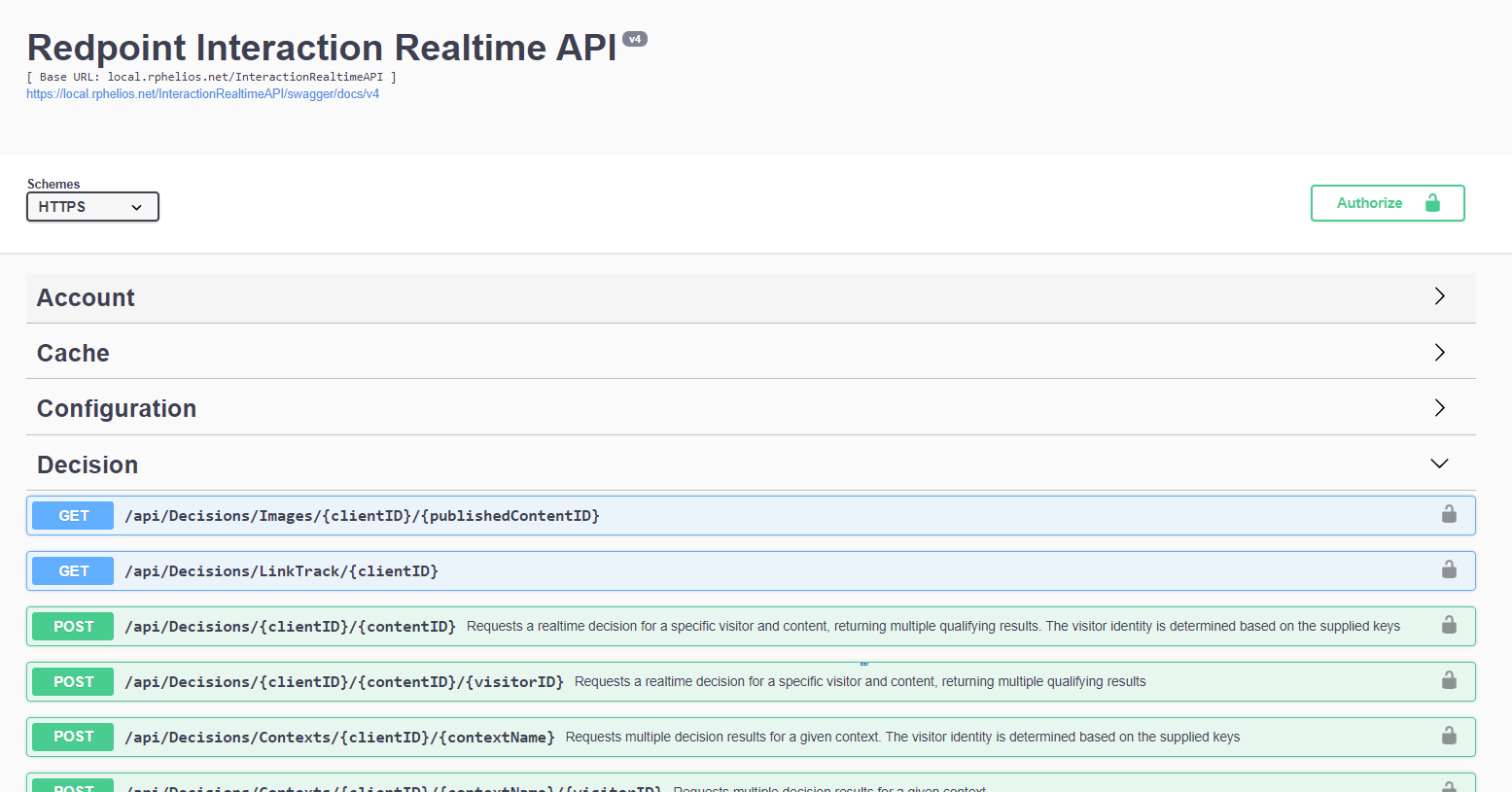
If enabled, clicking the button in the API Documentation section displays details of the RPI Realtime API’s endpoints.
Realtime Agent Service
The RPI Realtime Agent Service is an http://ASP.Net Web API service which provides the ability to load information from the RPI app server, including:
-
Cached attribute lists
-
Message history
-
Page and decision metadata
-
Database connectivity to facilitate usage of the same as a cache
Realtime Cache
The RPI Realtime Realtime cache is used to persist data such as the following:
-
Visitor profiles
-
Rules as defined in Realtime decisions
-
Text content (if published directly from a smart asset)
A variety of technologies can be used to host the Realtime cache, including:
-
Memcached
-
Redis
-
Windows AzureRedisCache
-
SAP Hana
-
Amazon Elasticache
-
Cassandra
-
Database
-
Couchbase
-
MongoDB
-
SQL Server
-
Ncache
-
CosmosDB
-
MemoryDB Redis
Queues
RPI Realtime makes use of the following queues, which are used to provide asynchronous connectivity from the RPI Realtime API to the RPI application server:
-
Form submission: used to process data submitted in a web form.
-
Web events: used to process web events other than form submissions.
-
Visitor profile: used to process visitor profile data from the Realtime cache to a database or file.
Each queue has its own matching system configuration setting that must be set appropriately.
Queues can be hosted using a variety of technologies. Queue Providers can be created and managed in a dedicated configuration interface. The following technologies can be used to host RPI Realtime queues:
-
Azure Service Bus
-
Azure Event Hubs
-
Apache ActiveMQ
-
Amazon Simple Queue Service (SQS)
-
IBM MQ
-
Microsoft Message Queueing (MSMQ)
-
RabbitMQ
-
Google Pub Sub
-
Kafka