

This dialog is shown when editing an attribute other than a date/datetime or decimal attribute.
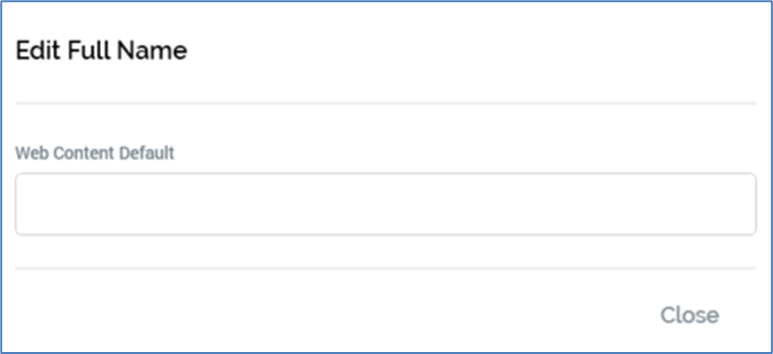
It exposes a single property:
-
Web content default: used to provide an optional default value for the attribute. This is used when customizing landing page content through the inclusion of an attribute in landing page content; if a Realtime cache value is available for the attribute, it is shown when the page is rendered. If a value is not available and a Web content default value has been provided, the default is displayed. If neither is available, no content is rendered.