Download and Setup of NCache
This section describes how to download and set up NCache. Please follow the steps below:
-
Navigate to https://www.alachisoft.com/download-ncache.html.
-
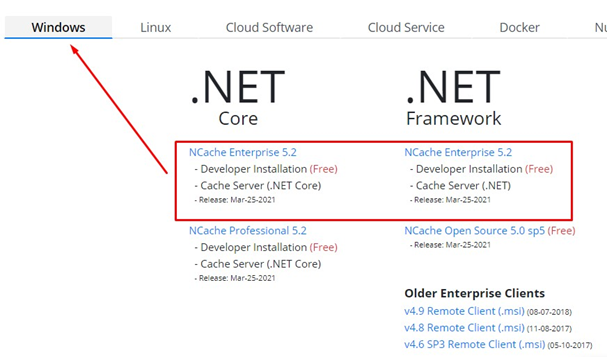
Download any of the Enterprise versions for Windows.
-
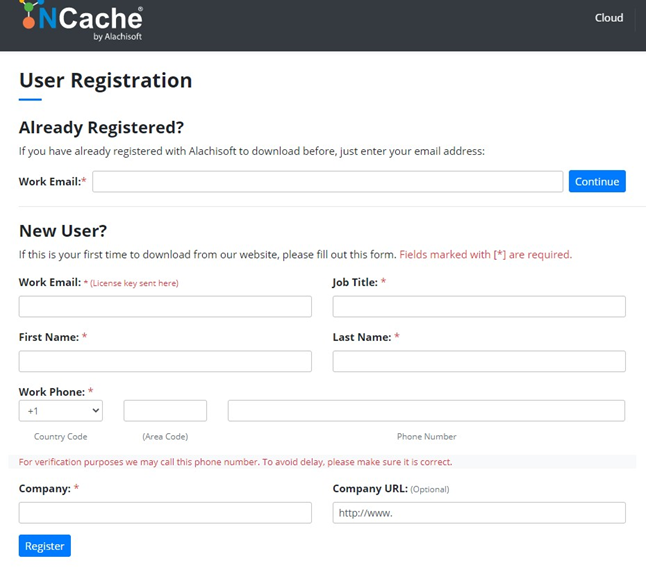
Register with your work email and submit the form.
-
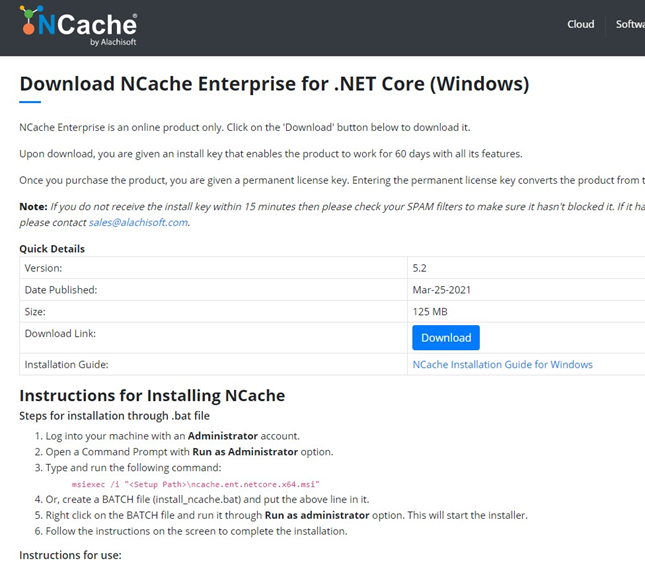
Accept the license agreement, proceed with the download, and then follow their instructions to install.
-
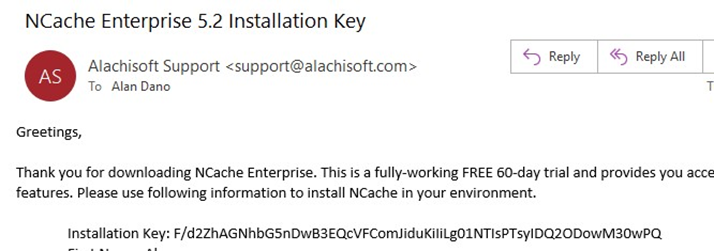
Your installation key will be emailed to you.
-
Open the NCache management panel at:
http://localhost:8251/to create a new cache.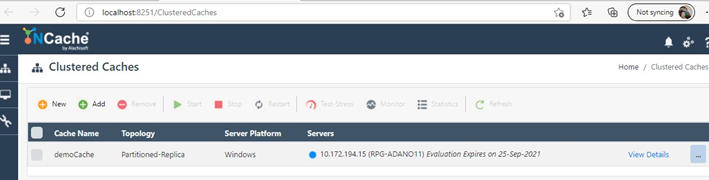
Configuring RPI to use NCache
This section describes how to configure RPI to use NCache. Please follow the steps below:
-
In Windows Explorer, open the
appsettings.json.configfile in a text editor such as Notepad or Notepad++. File location:C:\inetpub\wwwrpi\InteractionRealtimeAPI.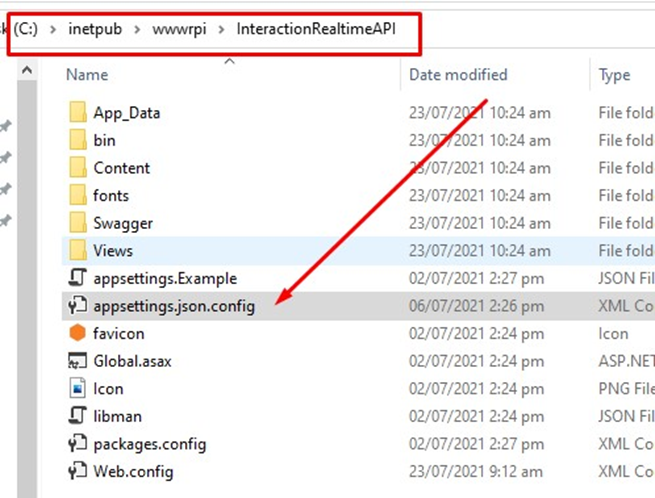
-
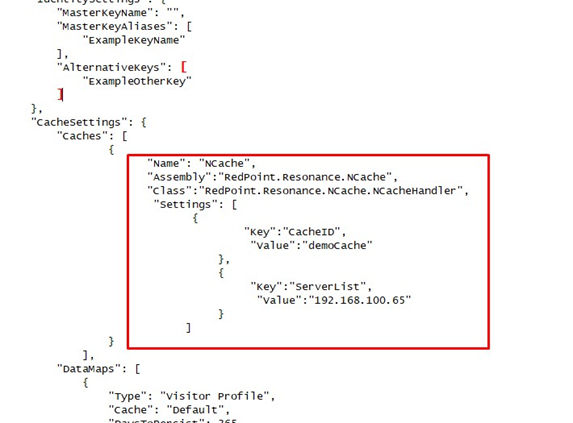
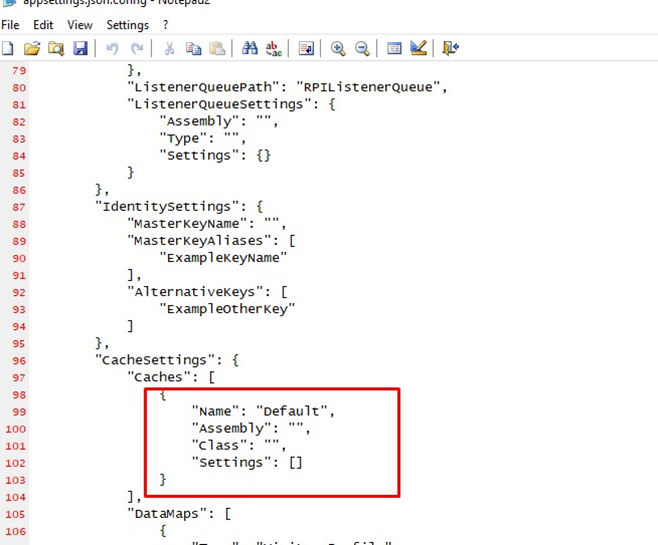
Find the CacheSettings section.
-
Replace the configuration settings with the NCache settings of the cache created in step 6 of the prior section.