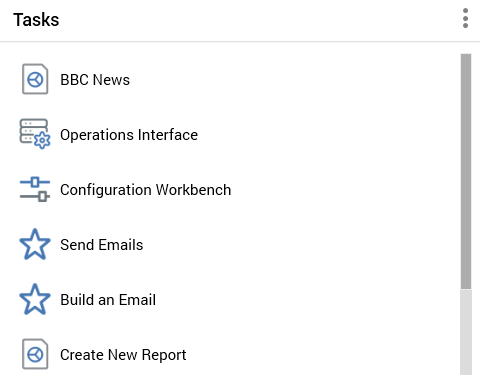
When a Tasks widget shown in a dashboard, its tasks listed as per its configuration.
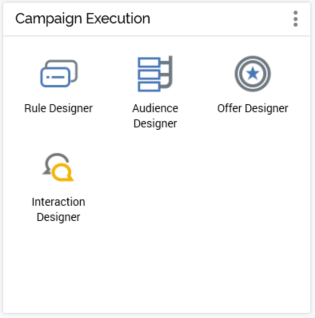
You can click a task to undertake the action, or open the file, in question. A context menu is available at file tasks, exposing the following options:
-
View File Information
-
Open Latest Version
-
Open File Location
Tasks can be either shown as icons, as above, or as list items, depending on the widget’s configuration.