

Existing user groups are displayed alphabetically in a grid.

For each user group, the following read-only properties are displayed:
-
Group name
-
Description
-
Active: indicated via a tick or cross.
The selected user group's associated permissions are listed in alphabetical order within a grid at the bottom of the interface.
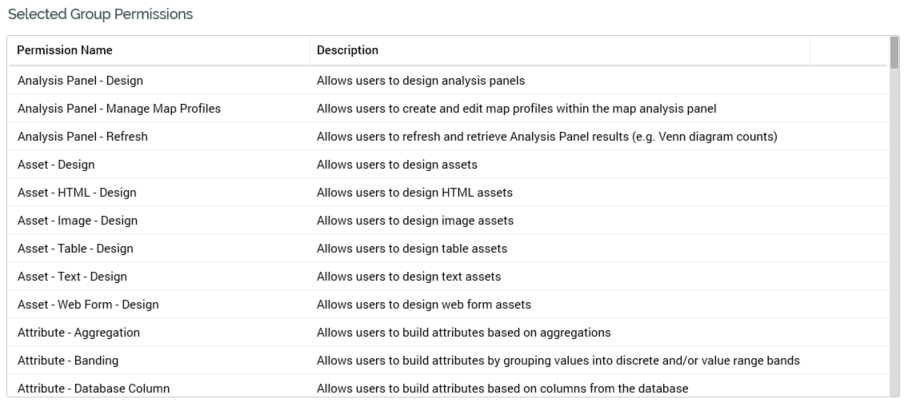
The following read-only properties are displayed for each permission:
-
Permission name
-
Description
-
Active: indicated via a tick or cross. Inactive permissions are displayed using red text.