

Overview
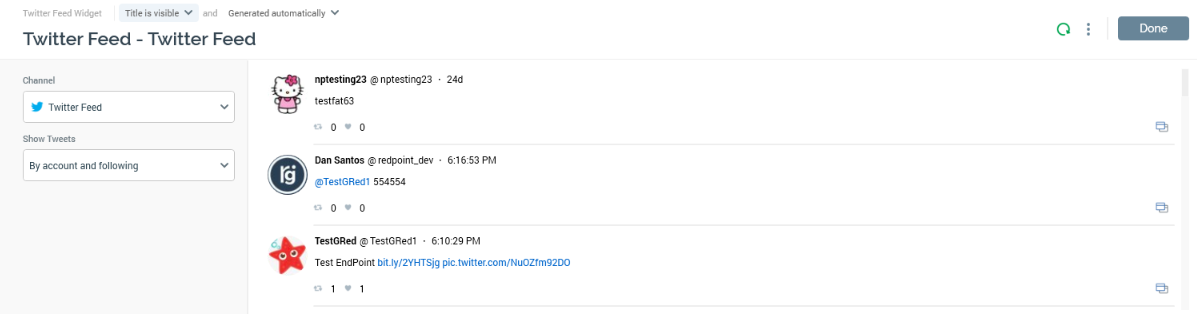
The Configure Twitter Feed Widget configuration overlay contains the following:
Properties Toolbox
-
Channel: this dropdown field allows you to select a Twitter feed to be displayed in the widget from those represented by the list of currently-configured Twitter channels.
-
Show Tweets: three options are available at this dropdown:
-
By account and following: selected by default, this option allows you to specify that only tweets by the selected Twitter account and accounts that it follows are to be displayed in the widget.
-
By account: this option allows you to specify that only tweets by the selected Twitter account are to be displayed in the widget.
-
Using search text: this option allows you to specify that tweets matching a Search Keyword are to be displayed in the widget.
-
-
Search keyword: this property is shown when Show Tweets is set to ‘Using search text’. On specifying a value in this field, tweets containing the specified search string will be shown in the widget.
Preview
A preview of the widget’s display, using its current settings, is shown to the right.