This section describes how to set up a Kafka instance in AWS. Please follow the steps below:
-
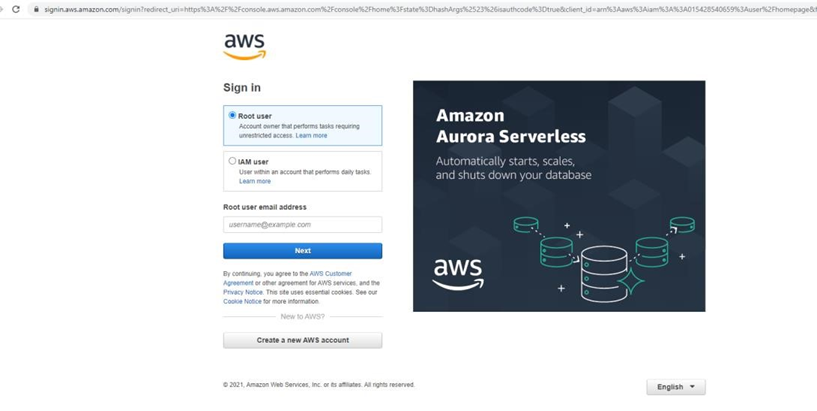
In a web browser, navigate to https://console.aws.amazon.com.
-
Create or log in to an AWS account.
-
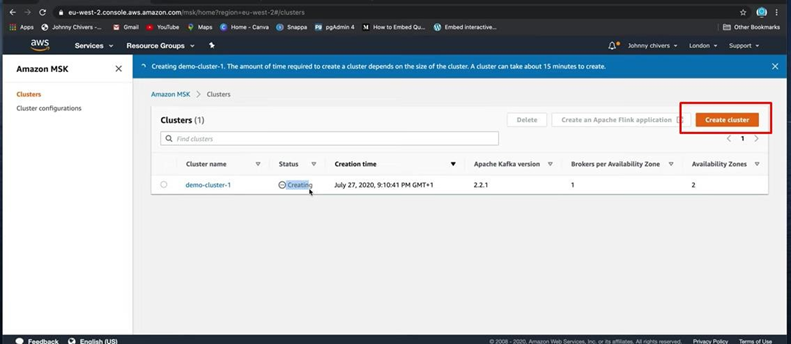
After signing in, navigate to Amazon MSK service, click on Create cluster, then follow the instructions provided on the page.
-
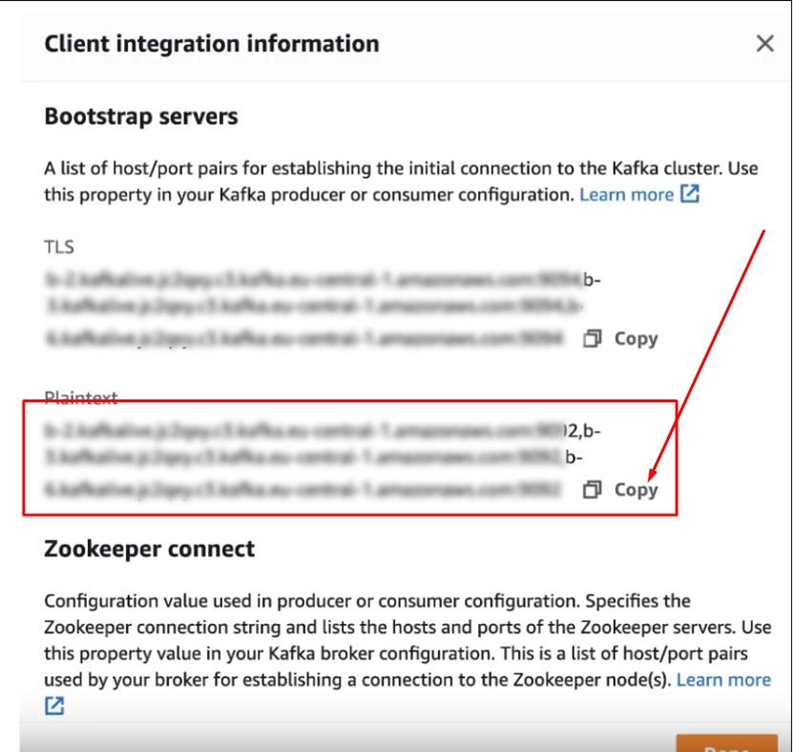
Once the Cluster has been created, click on it, and then navigate to the Client Integration Information page to view its details. Click on the Copy button under the Plaintext section, then paste it into the Bootstrap servers field in the Kafka Queue Provider configuration interface in RPI.