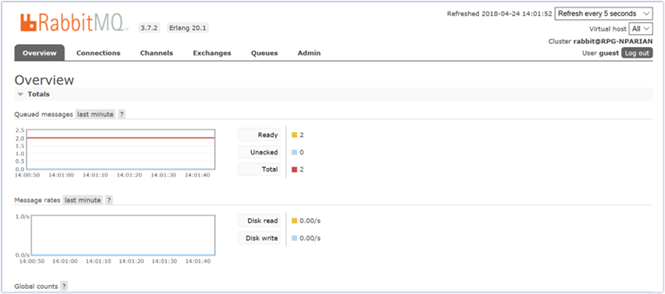
This section describes how to create and configure RabbitMQ as a queue provider. Please follow the steps below:
-
In a web browser, navigate to https://www.erlang.org/downloads.
-
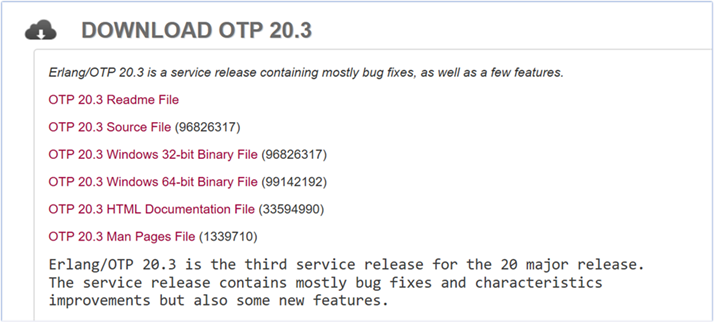
In the Erlang download portal, locate, and click the installer for Windows. In this case, download the 64bit installer.
-
Once the installer is downloaded, run the .exe file with administrator privileges.
-
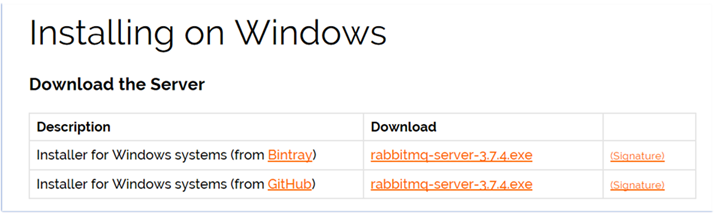
After the installation of Erlang, navigate to http://www.rabbitmq.com/install-windows.html in a web browser.
-
After installing RabbitMQ, navigate to
http://localhost:15672in a web browser.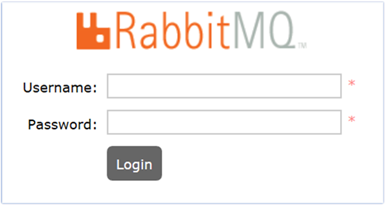
-
Log in with the default credentials:
-
Username: guest
-
Password: guest
-
-
The RabbitMQ portal will be displayed.