

Overview
The Loqate macro interfaces with Loqate's AddressVerify system to validate and cleanse mailing addresses.
In order to use the Loqate macro, you must have a Loqate account and key.
Loqate configuration parameters
The Loqate macro has a single set of configuration parameters in addition to the standard execution options.
|
Parameter |
Description |
|---|---|
|
Loqate Key |
String containing Loqate AddressVerify license key. |
|
Address 1-6 |
Input fields containing address lines. |
|
Locality |
Input field containing the most common population center data element within a country. Example: USA City, Canadian Municipality. |
|
Administrative Area |
Input field containing the most common geographic data element within a country. Example: USA State, Canadian Province. |
|
PostalCode |
Input field containing the postal code for a particular delivery point. |
|
Country |
Input field containing the country name or code. |
|
Organization |
Input field containing the business or organization name. |
Configure the Loqate Address Correction macro
-
Select the Loqate macro.
-
Go to the Configuration tab.
-
Enter your Loqate Key.
-
Use the Input field mapping controls to map each address element to the correct input field.
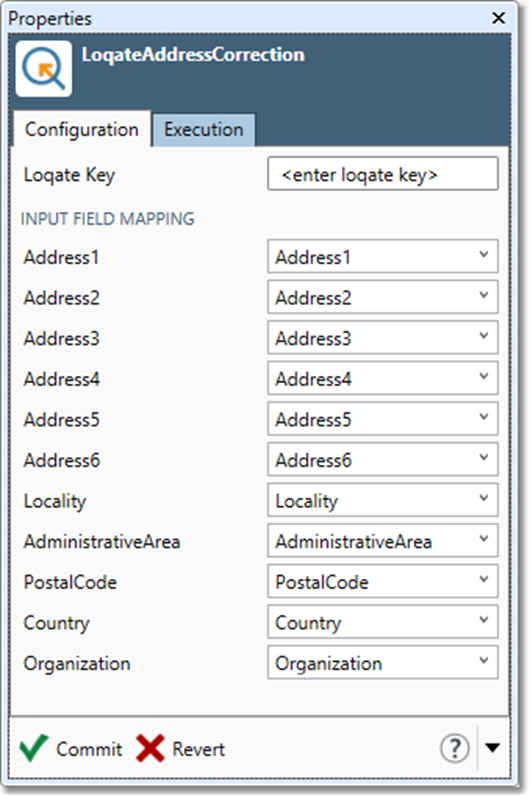
-
Optionally, go to the Execution tab, and then set Web service options.