

Support for this connector has been deprecated and will be removed in a future release. Refer to the Connector deprecation plan for details.
Retrieve the Host URL
-
On your web browser, navigate to https://docs.paubox.com/docs/paubox_email_api/introduction/
-
Under Base URL section, copy the shown URL, e.g.,
https://api.paubox.com/v1/email. This URL will be used to configure the Host in the Paubox channel configuration within RPI.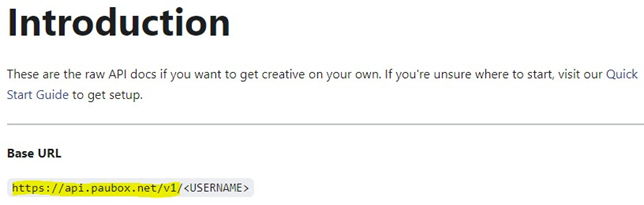
Retrieve API Username and API Key
-
On your web browser and navigate to https://www.paubox.com/ and login into your account.
-
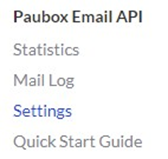
Under “Paubox Email API” click on the “Settings” link:
-
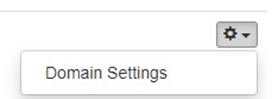
The Settings page will display the verified domains and corresponding Endpoint Username. On the right side of your configured domain, click Domain Settings setup icon:
-
Under “API Keys” section, the existing keys will display with only an API Key prefix. Click “New API Key” to generate a new API Key to copy and use within the Paubox channel configuration.