

The RPI Designer allows you to create, maintain, execute, and observe results relating to interactions and the workflows they contain.
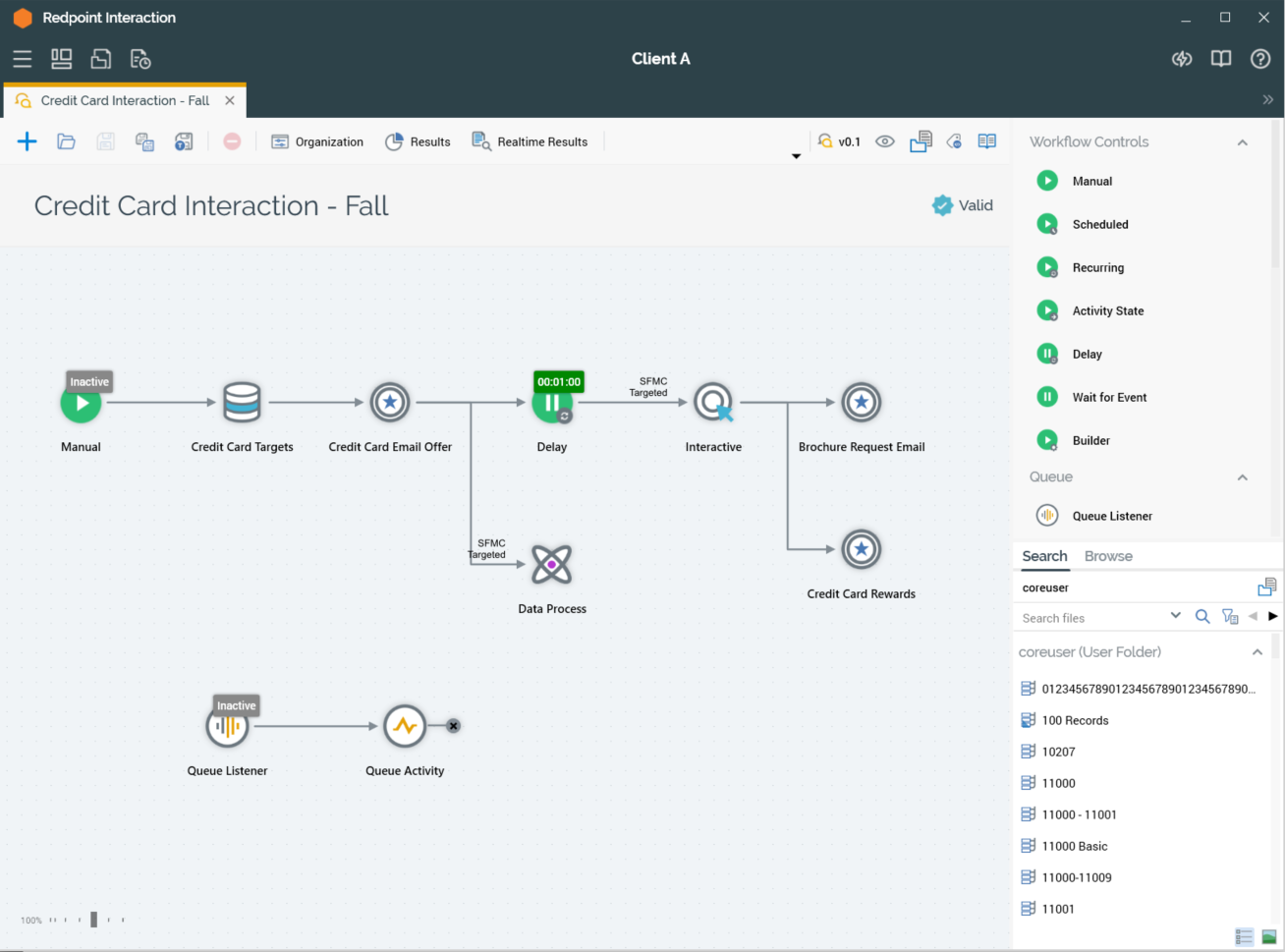
An interaction allows you to deliver targeted messages to an audience selected from the records within your data warehouse and maintain an ongoing dialogue with that audience through time and across multiple channels. It also allows you to respond instantly to the posting of data to a dedicated “listener queue”, facilitating the delivery of e.g. operational emails.
In this section:
-
Getting started with the Interaction Designer -
Interaction Designer: Toolbar -
Interaction Designer: Name -
Interaction Designer: Interaction validation -
Interaction Designer: Toolbox -
Interaction Designer: Workspace -
Interaction Designer: Interaction templates -
Interaction Designer: Workflows -
Interaction Designer: Activities -
Interaction Designer: Interaction execution -
The Interaction Designer and NoSQL Databases