

This is a comprehensive guide for page 4 of the RPI v6.6.1 Release Notes.
The following applies if:
-
RPI is using a SQL Server operational database or SQL Server data warehouse
-
The SQL Server(s) in question are not cloud-native (e.g., this would not apply if using Azure SQL).
Users may encounter the error below when upgrading RPI. To fix this, follow the steps below:
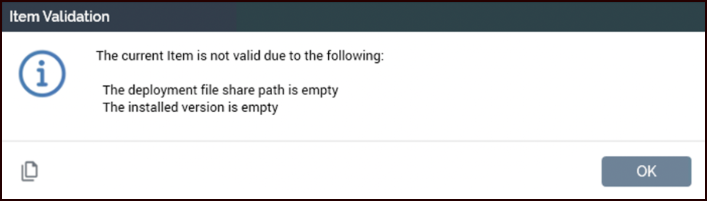
The following must be manually added to the SQL Server connection strings listed below both before and after the upgrade:
;TrustServerCertificate=True
This applies to the following connection strings:
|
Connection string |
Default path |
|---|---|
|
|
|
|
|
|
|
|
|
Server Workbench > Clients |
|
|
IIS Service needs to be restarted to apply the changes.
Example:
Config files

Database Connection String
