

This section describes how to create and configure a MapR Apache Drill Data Source Name (DSN). Please follow the steps below:
-
(Skip this step if you have already downloaded the ODBC driver). Refer to https://drill.apache.org/docs/installing-the-odbc-driver/ for instructions. Download the driver.
-
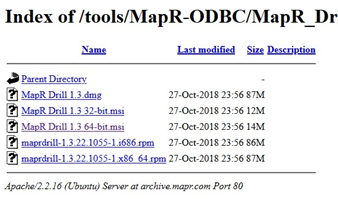
In the download page, click MapR Drill 1.3 64-bit.msi to download the installer.
-
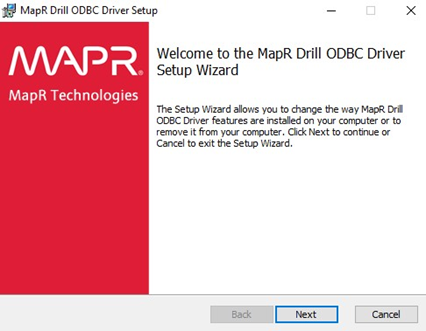
After downloading the file, locate the download and double click the file named MapR Drill 1.3 64-bit.msi. Follow the Setup Wizard steps.
-
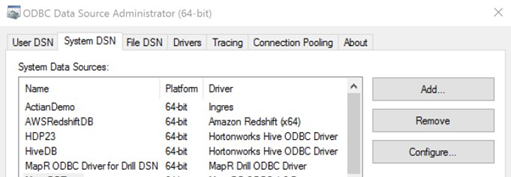
To configure a new MapR Apache Drill DSN, open Control Panel. Under the Administrative group, click ODBC Data Source. Select the System DSN tab and click Add to create a new DSN.
-
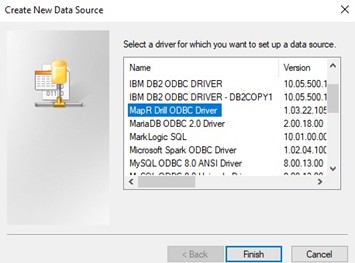
Select MapR Drill ODBC Driver and click Finish.
-
In the MapR Drill ODBC Data Source dialog window, provide the details of the following parameters:
-
Data Source Name
-
Direct to Drillbit
-
Default Schema
-