Support for this connector has been deprecated and will be removed in a future release. Refer to the Connector deprecation plan for details.
-
To access the driver, navigate to https://www.sap.com/products/try-sap/trials-downloads.html. You must be an SAP customer or partner to be able to download the driver.
-
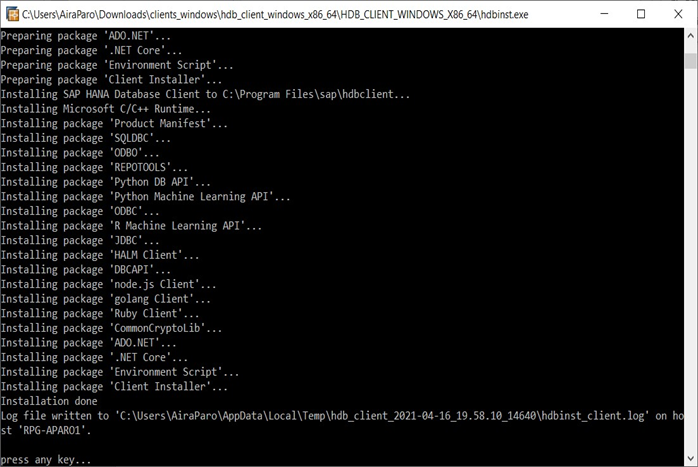
Having downloaded the driver installer, double click hdbinst.exe to start the installation.
-
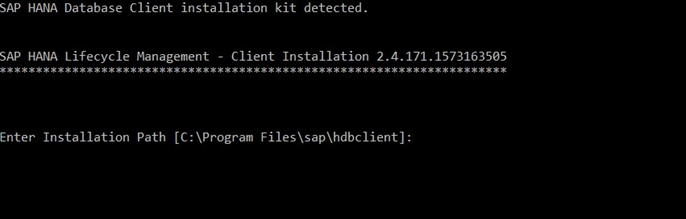
Press the Enter key to install the driver at a default directory location.
-
Once the installation has completed, press any key to exit the installation.